
Direct Communication
Reach guests on any channel
Send messages directly from the CRM - email, SMS (via Twilio), or WhatsApp. Use message templates with dynamic merge tags for personalized outreach. Schedule messages for future delivery and track responses.
Try It Free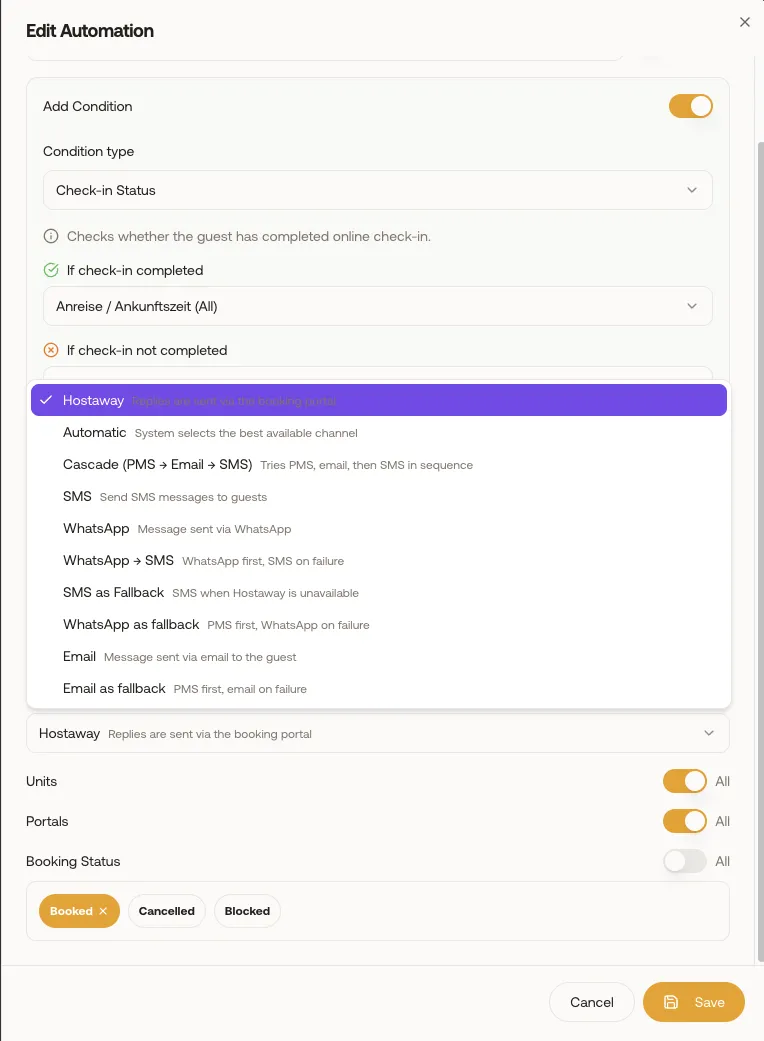
What you gain
Every feature creates value for both sides - you and your guests.
For the Host
Reach guests where they are
- Some guests respond to email, others to WhatsApp, others to SMS. Send on the channel that works for them.
- Templates with merge tags let you personalize at scale - send a "we miss you" message to all guests who haven't booked in 6 months.
- Pre-stay and post-stay outreach drives repeat bookings and positive reviews.
- All communication lives in one system - no more scattered email threads and WhatsApp groups.
- Direct booking follow-ups encourage guests to book directly next time, saving commission.
For the Guest
Personalized, relevant communication
- Receive messages on your preferred channel - not just platform-locked messaging.
- Personalized content means messages are relevant to your stay, not generic mass emails.
- Easy follow-up communication after your stay for feedback, future offers, or any outstanding questions.
How it works
A step-by-step look at the experience.
Send a message to any contact directly from their profile page - select channel (email, SMS, WhatsApp), compose or select a template, and send.
Templates auto-fill merge tags: {{guest_name}}, {{property_name}}, {{checkin_date}}, {{checkout_date}}, {{door_code}}, {{wifi_password}}, and more.
SMS and WhatsApp messaging requires a Twilio integration (connected in the Integrations section).
Message history shows all sent messages with delivery status, timestamps, and any guest replies.
Use the CRM for targeted outreach: filter contacts by tags or booking history, then send personalized messages to the filtered group.
All messages sent from the CRM appear in the unified inbox for continuity.
Feature deep dive
Detailed look at every capability within Direct Communication.
Multi-Channel Send
Compose a message and select the delivery channel: Email (via configured SMTP), SMS (via Twilio), or WhatsApp (via Twilio). Each channel has its own character limits and formatting options.
Template System
Create and manage message templates with merge tags. Templates can be used in manual sends, automations, and the AI bot. Organize by category (Pre-stay, Post-stay, Marketing, Operations).
Merge Tags
Dynamic variables that resolve per-guest: {{guest_name}}, {{property_name}}, {{checkin_date}}, {{checkout_date}}, {{door_code}}, {{wifi_password}}, {{guest_page_link}}, {{checkin_link}}, and more.
Message History
All messages sent from the CRM appear in the contact's communication timeline and in the unified inbox. Track delivery status, read receipts (where available), and guest replies.
Twilio Integration
Connect your Twilio account for SMS and WhatsApp messaging. Configure sender phone number and messaging service SID. Usage is billed through your Twilio account.