
Tasks & Cleaning
Automated cleaning & maintenance
Automatically generate cleaning tasks on checkout, assign to team members, track completion with before/after photos, and manage maintenance requests. Recurring tasks for regular maintenance, priority levels, and due date tracking.
Try It Free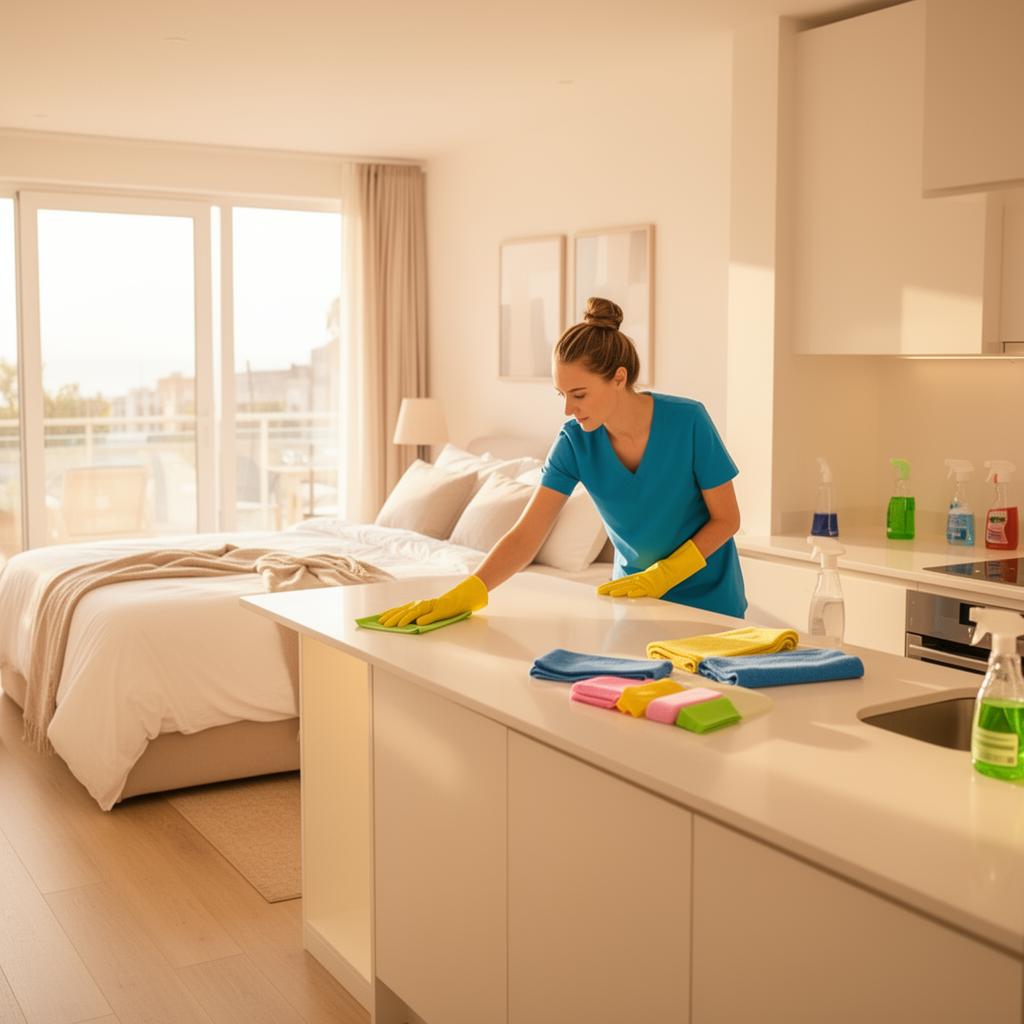
What you gain
Every feature creates value for both sides - you and your guests.
For the Host
Never forget a turnover again
- Auto-generated tasks ensure every checkout triggers a cleaning assignment - no manual scheduling needed.
- Photo verification provides proof of cleaning quality - essential when working with external cleaning teams.
- Recurring tasks prevent maintenance from being forgotten - HVAC filters, deep cleans, and inspections happen on schedule.
- Team assignment and notifications keep everyone accountable - each person knows exactly what they need to do.
- Task history per unit gives you a maintenance record - useful for property owner reports and insurance.
For the Guest
Clean, well-maintained properties every time
- Automated cleaning workflows ensure every unit is thoroughly cleaned before your arrival.
- Photo verification means the host can confirm cleaning quality remotely.
- Regular maintenance tasks keep properties in top condition - fewer broken appliances or worn fixtures.
How it works
A step-by-step look at the experience.
When a guest checks out, a cleaning task is automatically created for that unit with the correct date and assigned cleaner.
Each task shows: unit name, task type (cleaning, maintenance, inspection), assigned person, due date, priority, status (pending, in progress, completed), and any notes.
Cleaning teams can upload before/after photos directly in the task - providing visual confirmation that the unit is guest-ready.
Recurring tasks: schedule regular maintenance (e.g., deep clean every 3 months, HVAC filter change every 6 months) with automatic task creation.
Task templates: pre-define task checklists for different task types. A cleaning template might include: change linens, clean bathroom, restock supplies, check appliances.
Notification system: assigned team members receive email or push notifications when a new task is created or due soon.
Feature deep dive
Detailed look at every capability within Tasks & Cleaning.
Task Board
Kanban-style board or list view showing all tasks grouped by status: Pending → In Progress → Completed. Drag tasks between columns. Filter by property, assignee, or task type.
Auto-Generation Rules
Configure rules: "On checkout, create a Cleaning task for the unit, assigned to [cleaner], due on checkout date." Rules can be per-unit or global.
Photo Upload
Attach before/after photos to any task. Cleaners can upload from their phone. Photos are stored in cloud and linked to the task for future reference.
Recurring Tasks
Create recurring tasks with frequency: daily, weekly, monthly, or custom interval. Each occurrence creates a new task instance. Track completion history per recurring task.
Team Management
Add team members (cleaners, maintenance) with email and role. Assign tasks to specific team members. They receive notifications and can update task status via a simple web interface.
More in Operations
Visual Calendar
Your entire portfolio at a glance
Unit Management
Manage every property detail
Booking Overview
Every reservation, one table
Nuki Integration
Native Nuki smart lock control
Ring Integration
Video doorbell & intercom control
Smart Lock Hub
50+ brands via Seam API
Access Log & Audit
Complete security tracking
Pricing & Revenue
Smart pricing across your portfolio